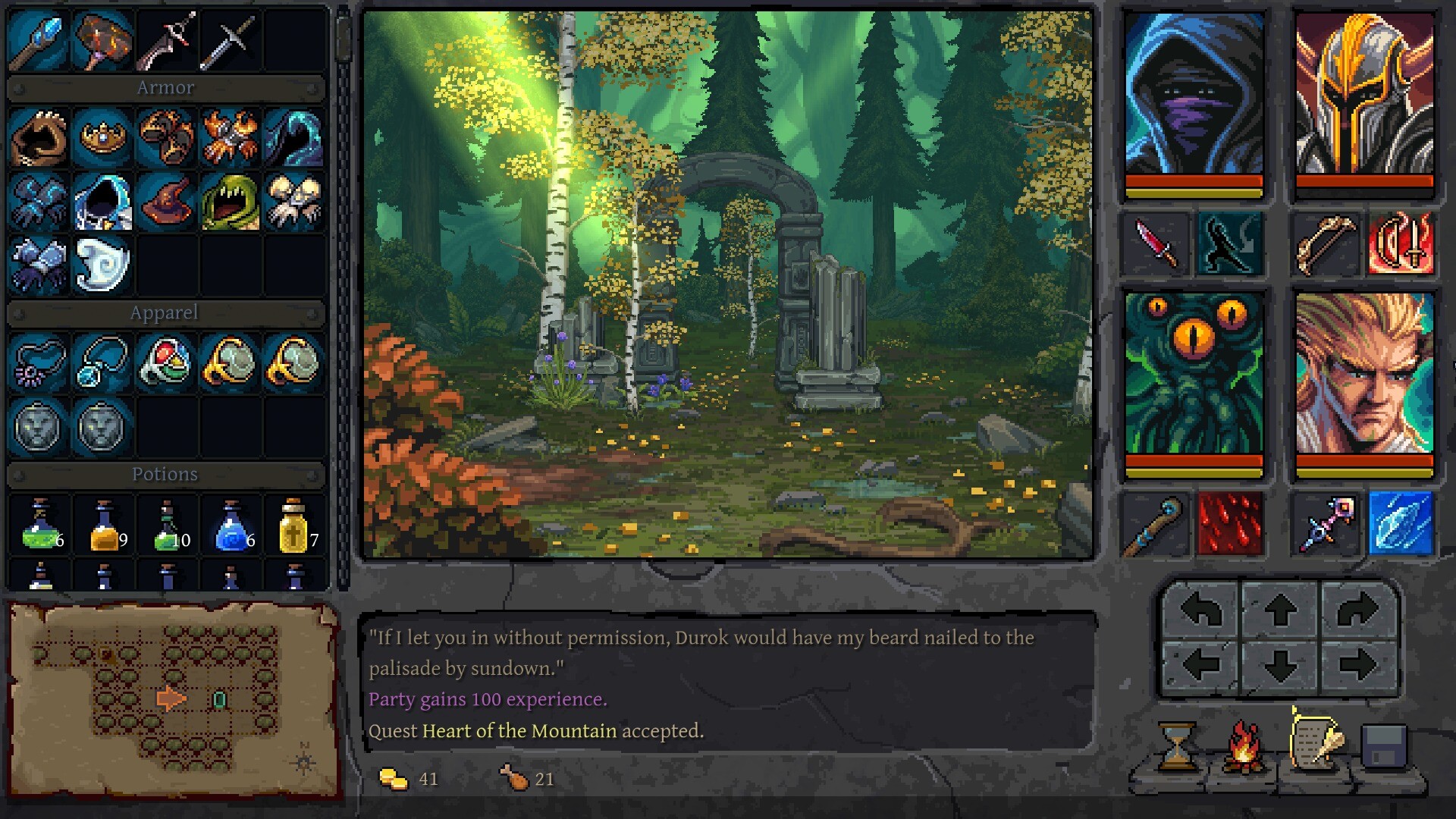
Choose a download and set up your game
Underkeep's full game is available for Windows PC on Steam and GOG, and a separate Underkeep Demo is free on Steam. For setup, choose settings for faster keyboard exploration, clearer text, or reduced visual effects; Steam Deck is rated Playable but can need extra input handling.
Settings for keyboard exploration and comfort
- Which settings make keyboard exploration faster?
- On Windows, rebind your controls under Options > Controls, then consider disabling Move / Turn Animation and Item Tooltip Delay if you prefer faster interactions. These are preference changes, so try them while exploring and keep the combination that feels comfortable. Start with the controls you use most often before changing the rest.
- How can I spot hidden loot or make mapping harder?
- Enable Show Items Behind Objects to help spot loot obscured by scenery. If you want more of an exploration challenge, change Automapping to Minimap Only or Disabled. Choose the mapping option for the kind of exploration you enjoy, rather than treating reduced mapping as a speed setting.
- Which options help with readability or motion sensitivity?
- Adjust the font and floating combat text for readability. Reduce camera shake, flashing, portrait blinking, or wall-hit sounds if those effects distract you. Change the effects that bother you first, then try moving and fighting before deciding whether to adjust more.
- How should I approach Steam Deck controls?
- Steam Deck is rated Playable, but some functions may require manual keyboard interaction or alternative controller handling. Be prepared to use those input options when a function needs them. If you are choosing a device primarily for controller play, account for that extra handling when deciding where to start.
Get the free Steam demo
- Open the Underkeep Demo page on Steam to reach the separate free download. Choose this product if you want to try the limited demo before buying the full game.
- Download Underkeep Demo from that listing to try its starting area, one dungeon, and selection of classes. Treat this as a trial of the game rather than the complete adventure.
- How does the demo differ from the full game?
- The demo covers the starting area, one dungeon, and a selection of classes. The full release offers broader content and uses a different version of the opening forest. Keep that difference in mind when following a full-game walkthrough after playing the demo.
Compare the full-game price and free demo
| Product | Price and access |
|---|---|
| Underkeep on Steam | US price: $22.95 regular, reduced 15% to $19.50 until November 19, 2026. Open the full-game Steam listing to buy this version. |
| Underkeep on GOG | US storefront display: 22.95 regular and 19.49 promotional. Open the GOG listing for the full-game purchase. |
| Underkeep Demo on Steam | Free, separate limited download; it does not include the full game. |
- Is the full game free if I download the demo?
- No. The Steam demo is free, while the full release is paid. Choose the demo for its limited content or purchase the full game on Steam or GOG for the broader adventure.
Release date, updates and platform support
- When did Underkeep release on Windows?
- Underkeep's full Windows release launched on November 5, 2026. It is available to play, so older descriptions calling the Windows game upcoming no longer describe its release status.
- Which PC storefront should I use?
- The full Windows game is available on Steam and GOG. GOG offers a DRM-free offline option, while Steam lists Steam Deck compatibility as Playable. Choose the storefront that fits how you want to keep and play the game.